Chapter 9
The Agentic World
One LLM in a loop was Chapter 8. This chapter is the ecosystem around it: the five patterns for combining LLM calls, the universal plug that connects agents to tools, and an honest mid-2026 map of what actually ships versus what's still a demo.
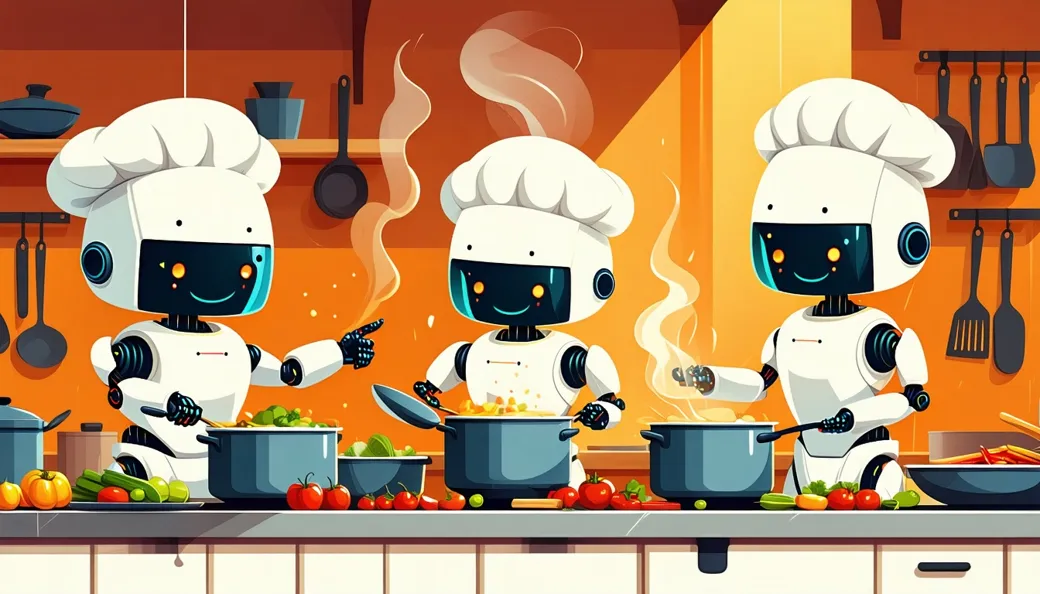
From one cook to a kitchen
Black box first, as always. Everything in this chapter — every buzzword-laden "multi-agent AI platform" — is, from the outside, the same box you've known since Chapter 7: a request goes in, finished work comes out. What's new is the inside: instead of one LLM call, there may be several, arranged in a handful of standard shapes. Happily, there are only about five shapes, and every one of them has an exact analogy in a restaurant kitchen — fitting, since we've spent eight chapters trying to get Mom a good dinner.
These five patterns come from Anthropic's "Building Effective Agents," the same essay behind last chapter's workflow-vs-agent distinction. The essay files all five under workflows (developer-fixed shapes, Chapter 8 vocabulary), but the last two hand more of the shaping to the model and so blur toward agents. None of them requires a new kind of model — just wiring.
1. Prompt chaining — the assembly line
Kitchen analogy: one plate moves down a line — grill station, then sauce station, then plating. Each LLM call's output becomes the next call's input: first call drafts a birthday-dinner invitation, second call translates it into Thai for the restaurant, third checks the tone. Each step is simpler than doing everything at once, so each step is done better.
2. Routing — the maître d'
Kitchen analogy: the maître d' looks at each arriving guest and directs them — bar, patio, private room. A first LLM call classifies the request, then hands it to the prompt (or model) built for that type. "Where's my refund?" goes to the billing specialist; "translate this menu" goes to a cheap fast model; a legal question goes to the careful expensive one. Sorting is the whole job.
3. Parallelization — many cooks at once
Kitchen analogy: three cooks each make one dish for the same table, simultaneously. Two flavors: sectioning — split the task into independent chunks (one call checks each of five restaurants' menus at the same time, instead of one after another), and voting — ask the same question several times and take the consensus (five independent calls judge "is this review fake?"; majority rules). Speed from the first, reliability from the second.
4. Orchestrator–workers — the head chef
Kitchen analogy: the head chef reads the ticket, decides who does what, and assembles the plates. A central LLM breaks a task into subtasks at run time — it wasn't scripted — and delegates each to a worker LLM, then combines the results. For a big dinner: the orchestrator sends one worker to research restaurants, another to draft the invitation, a third to plan the route, then merges everything. This is the backbone of most "multi-agent" products you'll hear about.
5. Evaluator–optimizer — the chef and the taster
Kitchen analogy: the chef seasons; the taster sips and says "more lime"; repeat until it's right. One LLM produces, a second critiques against clear criteria, and the first revises. Draft toast → "too formal, and it never mentions Mom" → revised toast → "good; send it." Loops like this trade time for quality — the same trade-off as everything agentic.
Here are all five side by side — same kitchen, same dinner, and crucially, what each pattern costs. Keep the last column in mind whenever a product brags about how many LLM calls it makes: every call costs money and time, so more is not automatically better.
| Pattern | Kitchen analogy | When to use | Dinner-story example | Cost / latency note |
|---|---|---|---|---|
| Prompt chaining | One plate down the line: grill → sauce → plating | The task splits cleanly into fixed stages, each easier than the whole | Draft the invitation → translate to Thai → check the tone | Cheap and predictable, but stages run one after another — total time is the sum |
| Routing | The maître d' directs each guest: bar, patio, private room | Requests come in distinct types that deserve different handling | "Menu question" → fast cheap model; "allergy question" → careful expensive one | Adds one small classification call, then often saves money by matching model to job |
| Parallelization | Three cooks, three dishes, one table, simultaneously | Subtasks are independent (sectioning) or you want a second opinion (voting) | Check all five candidate restaurants' menus at the same time | Fast — total time is the slowest branch, not the sum — but you pay for every branch |
| Orchestrator–workers | The head chef reads the ticket and decides who cooks what | Subtasks can't be predicted in advance; the split itself needs judgment | Orchestrator assigns: research restaurants, draft invitation, plan the route — then merges | Costliest workflow shape: orchestrator calls + all workers + a merge step |
| Evaluator–optimizer | Chef seasons; taster sips, says "more lime"; repeat | Quality matters more than speed and there are clear criteria to judge against | Draft toast → critique for warmth and brevity → revise → approve | Open-ended: each round adds two more calls (draft + critique) — always cap the number of loops |
Simplified!
The kitchen analogy hides one big difference: human cooks share a kitchen — they see and hear each other and share one memory of the evening. LLM "workers" share nothing by default. Each worker call starts blank and knows only the text handed to it (its context window, Chapter 6), and coordination happens by passing text around — the head chef writing every instruction on a ticket and reading every result off another ticket. Getting the right text to the right call is most of the engineering in multi-LLM systems, and forgetting this is why naive "AI teams" fall apart.
With five patterns plus plain prompts plus full agents on the menu, how would anyone choose? It turns out three questions settle it almost every time — the same three questions professional builders ask, arranged as a flowchart you can walk in ten seconds.
MCP: a USB-C port for AI tools
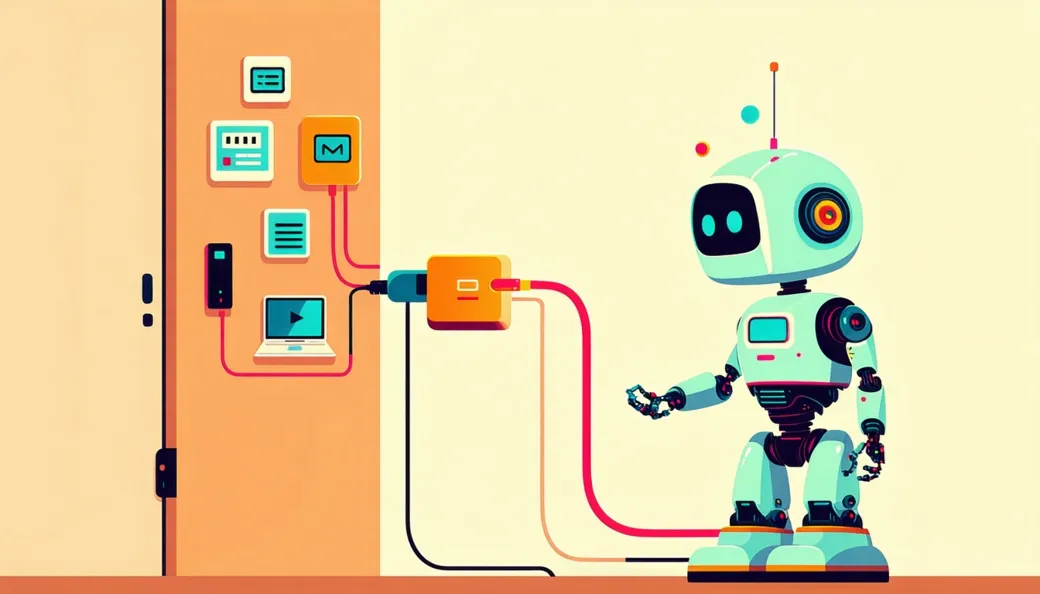
Chapter 7 showed that tools are what connect an LLM to the world. But historically, every tool had to be custom-wired to every assistant: a calendar integration built for one chatbot wouldn't work with another. With M assistants and N tools, someone had to build M × N adapters. You've lived this problem: it's a drawer full of incompatible phone chargers.
The fix is the same one the phone industry found: a standard plug. MCP — the Model Context Protocol, an open standard introduced by Anthropic in late 2024 — is USB-C for AI tools. A tool provider (your calendar, a booking service, a company database) implements one MCP server — a standard connector describing what the tool offers and how to invoke it — and any MCP-capable assistant can plug in, no custom wiring. Build once, connect everywhere: M + N instead of M × N.
If USB-C feels too small for the scale of the change, here's a bigger analogy: the shipping container. Before the 1960s, every port handled every crate differently — barrels, sacks, and boxes, each loaded by hand, each port with its own methods, so shipping anything anywhere was slow and bespoke. The standardized container changed nothing about what's inside the box and everything about what's possible: any container fits any ship, any crane, any truck, and global trade exploded. MCP is the container for AI tools — the tool's actual work stays whatever it was; only the connector is standardized. One honest caveat: containers took a couple of decades and fierce standard-wars to win, and MCP is barely two years old — the standard has clearly caught on, but calling the game over would be premature.
What makes MCP more than one company's idea is who adopted it: over 2025–26 it spread across the major vendors — OpenAI, Google, Microsoft, and others — and thousands of MCP servers now exist for everything from Slack and GitHub to home automation. In December 2025 Anthropic also handed MCP to the Linux Foundation's new Agentic AI Foundation, so no single company owns it. For the dinner agent, MCP is why one agent can reach your calendar, a maps service, and a restaurant-booking system without anyone having hand-built those three specific bridges for that specific agent.
Agents in your browser — and in your wallet
If MCP is the plumbing story of the agentic world, here is the consumer story: for most non-programmers, the first real agent encounter isn't a coding tool — it's a browser that does things. Over 2025 the "computer-use agent" (an AI that looks at a screen and clicks like a person) stopped being a wobbly demo and shipped in a specific, narrower form: the agentic browser, an agent that drives web pages — filling forms, comparing prices, booking tables — inside a browser you're watching.
The timeline is worth knowing because you'll be offered these products. In July 2025 OpenAI shipped ChatGPT agent, giving ChatGPT its own virtual computer with a browser, and a supervision mode for consequential steps. In October 2025 came ChatGPT Atlas, a full web browser with ChatGPT built in — its agent mode works inside your browser, logged-in sites and all. Anthropic's Claude for Chrome walked the cautious version of the same road: an invite-only research preview of 1,000 users in August 2025, expanding to broader paid tiers only over the following months, with site-by-site permissions and mandatory confirmation before purchases, publishing, or sharing personal data. Look at those safeguards with Chapter 8's eyes and you'll recognize every one: site permissions are least privilege, purchase confirmations are the human gate, supervised modes are a checkpoint — the autonomy ladder, productized. OpenAI's Atlas also offers a defense the ladder didn't need to name: a logged-out mode, where the agent browses without your accounts, so the worst case is a wasted errand rather than a compromised inbox. (Why such caution? Because a browser agent reads whatever the web serves it — which makes it the perfect target for the prompt-injection attack of Chapter 10, where we'll put real, vendor-published numbers on exactly this risk.)
And once an agent is in your browser, the next question arrives fast: can it buy things? As of 2025–26, yes, inside new guardrails that echo this chapter's other big idea. OpenAI's Instant Checkout (September 2025) let US users buy from Etsy sellers — with over a million Shopify merchants announced as next — directly in the chat, built on an open Agentic Commerce Protocol co-developed with Stripe: the merchant stays the seller of record, product results are organic rather than sponsored, and the user explicitly confirms each step of the purchase. Google's Agent Payments Protocol (AP2) (September 2025, launched with 60+ partners including Mastercard, American Express, PayPal, and Coinbase) goes a layer deeper: cryptographically signed Intent Mandates ("find me white running shoes under $120") and Cart Mandates ("this exact cart, this exact price") create a tamper-proof audit trail. Notice which questions that trail answers — did the user really authorize this purchase? is the request authentic? who's accountable if the agent buys the wrong thing? — exactly the questions Chapter 8's human-gate diagram raised. A useful way to file it all: MCP is the standard plug connecting agents to tools; ACP and AP2 are the standard plugs connecting agents to money. Same economic logic, higher stakes, thicker paperwork — and the paperwork is the feature. (The products move faster than the plumbing: in March 2026 OpenAI confirmed it was winding down Instant Checkout in favor of merchants' own apps inside ChatGPT, while keeping the protocol work going.)
Real vs. hype: the mid-2026 map
Now the question you actually came for: of everything labeled "agent" this year, what genuinely works? Here's an honest snapshot, as of August 2026.
| Category | Status, mid-2026 | What it looks like |
|---|---|---|
| Coding agents | Real and shipping — the flagship success | Claude Code, GitHub Copilot's agent mode, Cursor: given a bug or feature request, they read the code, edit, run tests, read the errors, and retry — the Chapter 8 loop, verbatim. Widely used by professionals daily; code works well because tests give the loop crisp feedback. |
| Deep-research agents | Real and shipping | ChatGPT, Gemini, Claude, and Perplexity research modes: several minutes to half an hour of autonomous searching and reading in a loop, returning a cited report. Genuinely useful; still needs your verification of key claims. |
| Customer-support agents | Real, in production — narrow and guardrailed | Bounded agents that look up orders, issue refunds under a limit, and escalate anything unusual to humans. Works precisely because the autonomy is narrow. |
| Browser agents | Real and shipping — supervised, on guardrails | ChatGPT Atlas's agent mode, Claude for Chrome: form-filling, comparison shopping, bookings in a browser you watch, with site permissions and purchase confirmations. Genuinely useful for tedious web errands — but keep the human gates on: the prompt-injection surface (Chapter 10) is exactly here. |
| General computer-use agents | Promising, still unreliable | Agents that look at any screen and click and type in real apps like a person. The browser slice shipped (row above); the open desktop is harder — they still mis-click, get lost in menus, and fail multi-step errands often enough that you must babysit them. |
| Fully autonomous "AI employees" | Hype | The compounding-error arithmetic from Chapter 8 hasn't been repealed: over days of unsupervised work, small errors snowball. Real deployments keep humans at the checkpoints. |
| Agents running for weeks unsupervised | Hype | Long-horizon autonomy is an active research frontier, not a product. Anything claiming it deserves your sharpest skepticism. |
Since coding agents top that table, it's worth seeing why with your own eyes. Here is the anatomy of one real coding-agent session, minute by minute — and notice the moment that makes it work: the red step.
How to read an "agent" product claim
Chapter 8 gave you the workflow-vs-agent distinction; here's how to wield it as a consumer. When a product says "AI agent," ask one question: does the LLM actually choose its next actions in a loop, based on feedback — or is it a scripted workflow with an LLM call inside? Signs of a genuine agent: it narrates varying steps ("searching… that failed, trying…"), takes a different path on different runs, and recovers from surprises. Signs of a workflow: the same fixed stages every time, in the same order, with the "AI" filling in text at certain points.
And here's the crucial second half: both are useful — but name them honestly. A well-built workflow is often the better product: cheaper, faster, predictable, debuggable. The dishonesty isn't in shipping a workflow; it's in charging agent prices, and setting agent expectations, for one. You now know the difference, which puts you ahead of most of the people writing the headlines.
Misconception: "Multi-agent = smarter"
Adding agents is not like adding IQ points. Every agent-to-agent handoff costs money (more LLM calls), time, and fidelity — like a game of telephone, each retelling can drop or distort details, and Chapter 8's compounding-error arithmetic now applies across agents as well as within them. Multi-agent designs earn their keep in specific cases — genuinely parallel work (many restaurants to research at once) or genuinely separate specialties — but for most tasks, one competent agent beats a committee of them, and a plain workflow beats both. When you hear "powered by a swarm of 20 agents," hear it the way you'd hear a restaurant brag about having 20 chefs per plate: not obviously a good sign. Simple usually wins.
Try it now (5 minutes)
Run one evaluator–optimizer loop by hand, using any chatbot — you'll play the orchestrator. Ask it: "Write a 60-second birthday toast for my mom." Then open a new chat (so the critic starts unbiased) and paste the toast with: "You are a tough editor. Critique this toast against three criteria: warmth, brevity, one specific memory." Carry the critique back to the first chat and ask for a revision. Compare final to first draft. You've just orchestrated a two-LLM pattern — and felt the coordination cost personally: all that copy-pasting is exactly the plumbing multi-agent systems automate.
The view from here
Part III is complete, and so is the capability ladder. One model in a loop makes an agent; agents plus patterns plus a standard plug make the agentic world. What hasn't changed, from Chapter 4 to here, is the thing at the center: a next-word predictor, extraordinary and fallible, whose reach now depends mostly on the scaffolding around it — retrieval, tools, loops, checkpoints, and the human at the confirmation step. Which raises the questions that deserve their own part of the book: what happens when the predictor is confidently wrong, when someone poisons what it reads, when it's asked to judge things it can't judge? Where exactly are the edges? That's Part IV — the judgment chapters — starting with the jagged frontier.
Where to go next
Three resources, easy to deep:
- Ethan Mollick — One Useful Thing (oneusefulthing.org). Ongoing, plain-English field reports on which agents actually help with real work in 2026 — the practical companion to this chapter's real-vs-hype table.
- Anthropic — "Building Effective Agents" (anthropic.com/research/building-effective-agents). The source of the five patterns, with diagrams that will now look familiar — you just read the plain-language version. Its parting advice is this book's too: start simple.
- MCP documentation (modelcontextprotocol.io). The official home of the Model Context Protocol. Skim the introduction to see how a real standard gets specified — and browse the server list to glimpse how many tools your future assistants will plug into.